Guide
Offline dictation on Windows: why it is the right choice, and how to get started
Updated July 16, 2026 · 5 min read
Most modern dictation tools send your voice to servers for transcription. That works — until the network is gone, or until the uncomfortable question comes up: who else hears what I dictate? This guide explains what truly offline dictation is, who needs it, and which options exist on Windows in 2026.
- Offline = recognition runs on your PC. No servers, no account, no network required: your voice never leaves your machine.
- Who needs it: confidentiality-bound professions (legal, healthcare, finance), environments without reliable network, and anyone who refuses to be listened to by a third party.
- On Windows in 2026: Nova is the only offline option that rewrites (clean text at the end) — other local tools transcribe verbatim or target accessibility.
Four reasons to want offline
1. Privacy, structurally
When processing is local, the question "where does my data go?" becomes moot: it goes nowhere. No processor to contract with, no transfer outside Europe to justify, no terms of service to dissect. For a lawyer bound by professional secrecy, a clinician, an accountant — or any company under strict GDPR — it is the simplest architecture to defend: the words stay in the room.
2. Reliability, everywhere
Train, plane, courthouse, basement clinic, air-gapped corporate network, broadband outage: online dictation stops where the signal stops. Local dictation works under the same conditions as a word processor — always.
3. Latency
No server round-trip: text appears as soon as you finish speaking, with a delay that depends on your machine, not your connection.
4. Cost, over time
Online processing costs money on every sentence — that is why online tools are all subscriptions around $8–15/month. Local processing costs only your electricity, which is what makes genuinely unlimited free plans possible.
How it works, concretely
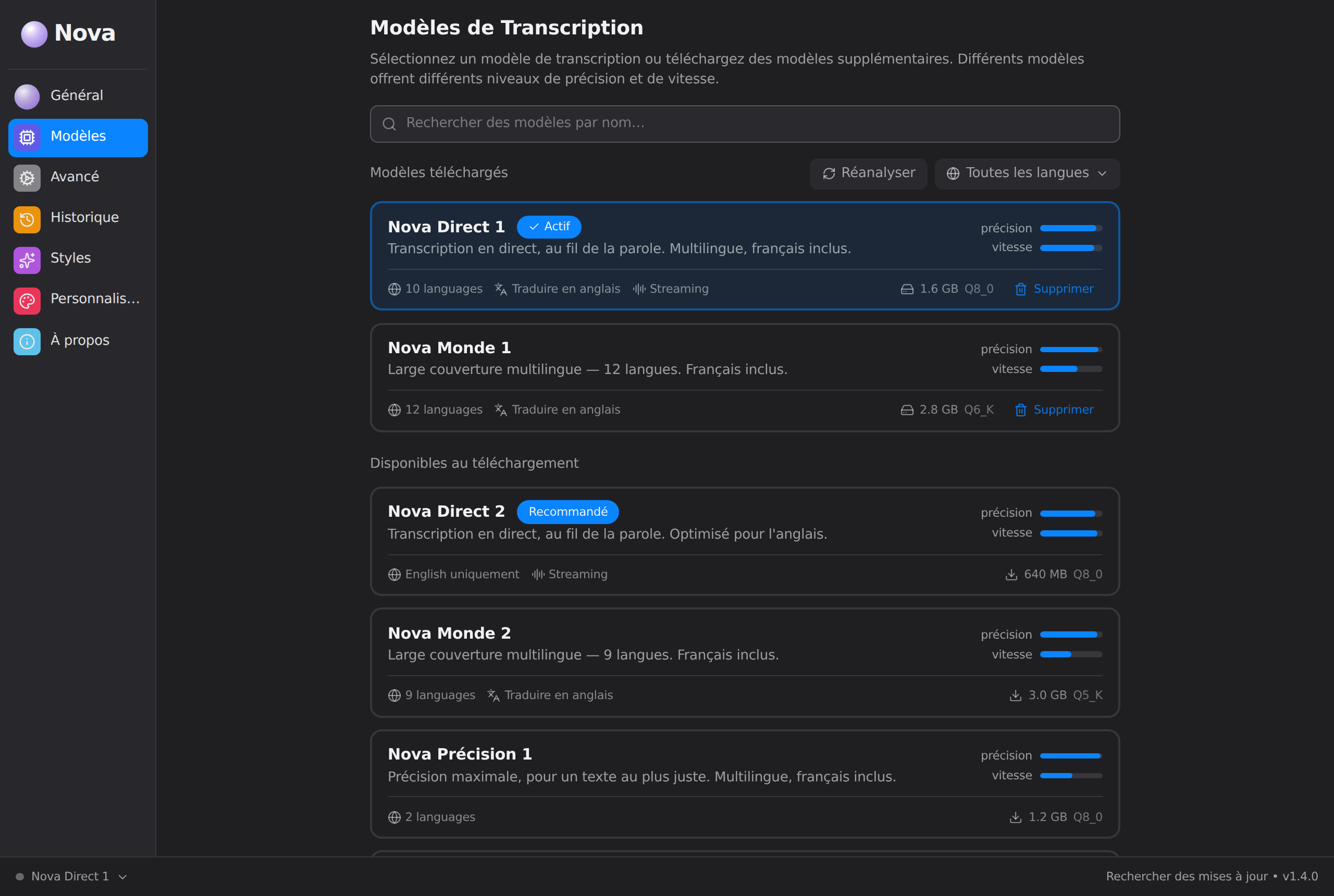
Offline dictation software installs recognition models on your computer — a few hundred MB to a few GB, downloaded once. Everything then happens locally: the microphone captures, the model transcribes, and — in Nova's case — rewriting turns the verbatim into clean text, also without leaving the machine. A recent laptop with 8 GB of memory is enough for a light, fast model; more memory allows more accurate ones. Nova manages this trade-off through its power profiles (Nova Air, light and fast · Nova Aura, the best balance · Nova Apex, maximum intelligence).
The offline options on Windows in 2026
| Tool | Truly offline | Rewriting | Positioning |
|---|---|---|---|
| Nova | Yes, by default | Yes — 7 Styles | Work dictation: emails, notes, prompts — finished text |
| Voice Access (Windows 11) | Yes | No | Voice control of the PC (accessibility), free |
| Dragon Professional (existing) | Yes | No (verbatim + commands) | Legacy — no longer sold to individuals |
| Win+H dictation | No — Microsoft servers | No | Occasional fallback |
| superwhisper / Mac tools | Yes | Yes | Very good — but on macOS |
The winning combination for writing — offline and rewriting and Windows — currently exists only in Nova. For full voice control of the PC, pair it with Voice Access; the two coexist very well.
The case of regulated professions
If you dictate content covered by professional secrecy or health data, the choice narrows itself: every online tool adds a processor, a transfer, a contract to check — and a risk to carry. Local processing removes the entire chain. That is why Dragon equipped law offices for twenty years; the same logic makes Nova its natural successor, with rewriting on top: the letter to opposing counsel comes out already written, not as a verbatim to rework.
Frequently asked questions
Is offline dictation less accurate?
Not anymore. Recent models run very well on a decent desktop or laptop, with accuracy comparable to online services for everyday dictation — the leap happened over the past two years.
What if my PC is really modest?
Nova stays usable with its lightest profile (Nova Air). For very tight machines, an optional online engine (Turbo, reserved for Nova Ultra) can take over — it is off by default, clearly labeled, and every activation is an explicit choice.
Do updates require internet?
The initial model download and app updates, yes — dictation itself, no. Once installed, Nova works indefinitely without a connection.
How do I check a tool is really offline?
The simplest test: turn off Wi-Fi and dictate. If text appears, processing is local. With Nova, this test works as soon as installation completes.
Try the dictation that stays home.
Turn off Wi-Fi, hold F9,
speak — the text appears anyway.
Free, no account or credit card · Windows 10/11 · see pricing